
Starting your first blog is an exciting journey, but one of the most important decisions you’ll make is selecting the right web hosting. Many beginners buy hosting without understanding what they actually need. As a result, they often face slow loading speeds, frequent downtime, poor customer support, or hidden renewal costs.
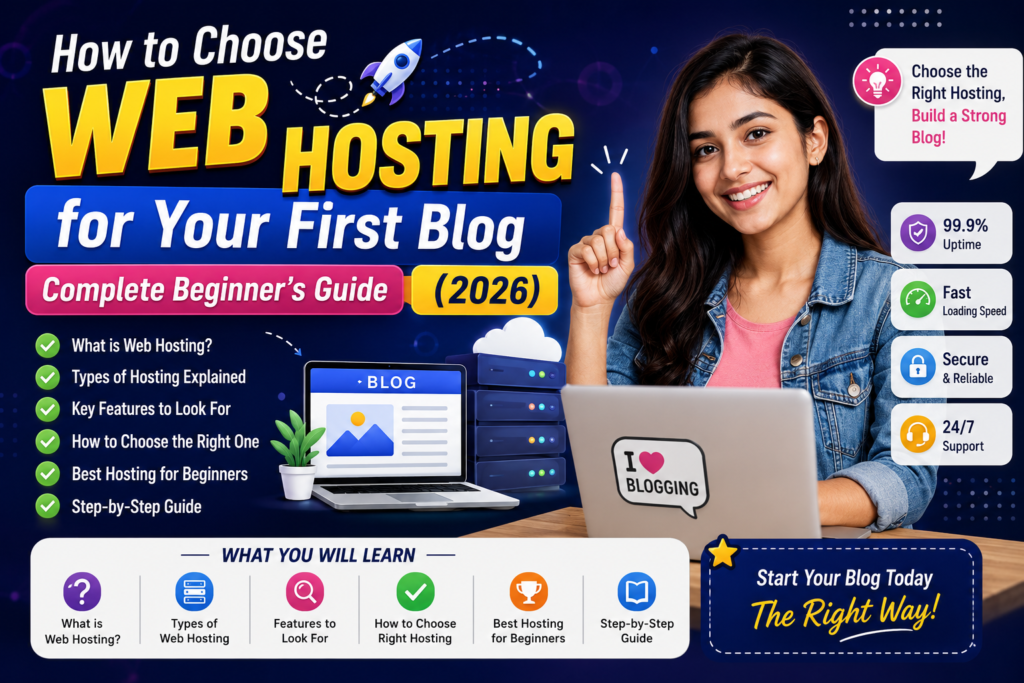
If you’re wondering how to choose web hosting for your first blog in India, this guide will help you make the right decision. Whether you’re planning to start a personal blog, affiliate website, travel blog, or business website, it covers what you need to know.
Why Choosing the Right Hosting Matters
Your hosting provider directly affects your website’s:
- Website speed
- SEO rankings
- User experience
- Security
- Uptime
- Future growth
Many bloggers focus only on domain names or website design but forget that hosting is the foundation of every website. Choosing well from the start saves money and avoids a stressful move later.
What Is Web Hosting?
Web hosting is a service that stores your website files on a server connected to the internet.
Whenever someone visits your website, the hosting server delivers your website pages to the visitor’s browser.
Think of it like this:
- Domain = Your website address
- Hosting = The house where your website lives
Without hosting, your blog cannot be accessed online.
Why Beginners in India Need the Right Hosting
Indian bloggers often make the mistake of buying the cheapest hosting available, without checking what it costs at renewal. Our comparison of hosting plans for a small blog in India shows how big that gap can be.
Cheap hosting may save money initially but can lead to:
- Slow loading websites
- Frequent downtime
- Poor customer support
- Limited storage
- Low website performance
Quality hosting gives your visitors a better experience, which supports your SEO work.
Types of Web Hosting
1. Shared Hosting
Shared hosting is the most affordable option. Your website shares server resources with many other websites.
Best for
- New bloggers
- Students
- Personal websites
- Small businesses
Pros
- Low cost
- Easy setup
- Beginner friendly
Cons
- Limited performance
- Shared resources
- Slower during traffic spikes
2. WordPress Hosting
Designed specifically for WordPress websites. It usually includes:
- One-click WordPress installation
- Automatic updates
- Better security
- Faster performance
Ideal if your blog runs on WordPress. See our guide to choosing the best WordPress hosting.
3. VPS Hosting
Virtual Private Server hosting offers dedicated resources within a shared server. It suits growing blogs, medium traffic websites and advanced users.
4. Cloud Hosting
Cloud hosting uses multiple servers instead of one. Benefits include better uptime, high scalability and faster performance. It is great for blogs expecting rapid growth.
5. Dedicated Hosting
You get an entire physical server. It suits only large businesses, enterprise websites and high-traffic portals, and is not recommended for beginners.
Features You Must Check Before Buying Hosting
Before buying, always compare these essential features.
1. Website Speed
Fast websites rank better on Google, reduce bounce rate and improve user experience. Look for NVMe SSD storage, LiteSpeed servers, the latest PHP version and HTTP/3 support.
2. Uptime Guarantee
Choose hosting that offers at least 99.9% uptime. This means your website stays online almost all the time.
3. Free SSL Certificate
SSL secures your website with an HTTPS connection. It builds visitor trust, protects data in transit and is a basic SEO requirement.
4. Backups
Backups help restore your website if something goes wrong. Daily backups are highly recommended, and it is still wise to keep your own copy.
5. Customer Support
Look for 24/7 live chat, email support, a knowledge base and fast response times. Good support is invaluable when you’re just starting.
6. Data Center Location
If your audience is in India, choose hosting with servers in Mumbai, Singapore or the wider Asia-Pacific region. Closer servers generally mean faster loading.
7. Easy Control Panel
A beginner-friendly control panel such as hPanel or cPanel makes website management much easier.
8. One-Click WordPress Installation
This feature lets you install WordPress in minutes without technical knowledge.
9. Free Domain
Some plans include a free domain for the first year, which reduces startup costs. The domain renews at its normal price afterwards.
10. Renewal Pricing
Always check the renewal price before purchasing. Many companies offer large discounts for the first term but significantly higher renewal fees.
How Much Hosting Storage Do Beginners Need?
Most new blogs require only:
- 10–20 GB SSD storage
- 1 website
- Free SSL
- Regular backups
Avoid paying for resources you won’t use initially.
Should You Buy Monthly or Long-Term Hosting?
Monthly or short plans have a lower upfront cost but a higher price per month. Long-term plans (one, three or even four to five years prepaid) give the lowest monthly price, but you pay a large amount at once and the price jumps at renewal. If you are not sure your blog will last, start with a shorter term. If you are committed, a longer term is cheaper overall. Our hosting cost breakdown for India shows real rupee prices.
Common Mistakes Beginners Make
- Buying hosting based only on price
- Ignoring renewal costs
- Choosing providers with poor support
- Not checking uptime guarantees
- Skipping backups
- Buying unnecessary high-end plans
- Ignoring server location
- Forgetting website security
Knowing these mistakes helps you avoid them from the start.
Which Hosting Plan Is Best for Your First Blog?
For most beginners in India, a good starter plan should include shared or WordPress hosting, free SSL, NVMe SSD storage, 99.9% uptime, regular backups, one-click WordPress installation and 24/7 customer support. A free first-year domain is a bonus. These features give a good balance of performance, security and affordability.
SEO Benefits of Good Hosting
Quality hosting contributes to better SEO through faster page loading, improved Core Web Vitals, better uptime, a better user experience and stronger security. Hosting alone won’t guarantee higher rankings, but it creates a solid technical foundation for your SEO efforts.
Final Thoughts
Choosing the right hosting doesn’t have to be complicated. The best hosting for your first blog is one that offers reliable performance, strong security, good support and room to grow. Don’t choose only the cheapest option. Look at the renewal price, the number of sites allowed and what support you get, and pick a plan you can afford for the full term.
Frequently Asked Questions (FAQs)
1. Which hosting is best for beginners in India?
Shared Hosting or WordPress Hosting is usually the best choice because it is affordable, easy to manage, and suitable for new blogs.
2. How much should I spend on hosting?
Listed introductory prices for beginner plans in India start at roughly ₹69 to ₹200 a month, which is about ₹830 to ₹2,400 a year, but only on long prepaid terms. Renewal prices are usually two to four times higher. Prices exclude GST and change often, so check the live price and renewal price at checkout.
3. Is free hosting good for blogging?
Free hosting is generally not recommended because it often comes with limited resources, poor performance, and restricted features.
4. Does hosting affect SEO?
Indirectly. Faster loading speeds, reliable uptime, and secure hosting support a better user experience, but rankings mainly depend on the quality of your content.
5. Can I upgrade my hosting later?
Yes. Most hosting providers allow you to upgrade from Shared Hosting to VPS or Cloud Hosting as your website traffic grows.
Quick Tips Before You Buy
- Choose a host with at least 99.9% uptime and NVMe or SSD storage.
- Make sure it includes a free SSL certificate and 24/7 support.
- Prefer a server location in India or Singapore for Indian visitors.
- Check both the introductory price and the renewal price.
- Don’t buy the most expensive plan. Start with shared or WordPress hosting and upgrade as traffic grows.
- Read recent customer reviews and compare at least three providers.
- Look for a money-back guarantee and free migration if you may switch later.
2 thoughts on “How to Choose Web Hosting for Your First Blog Complete Beginner’s Guide (2026)”